
We’re excited to announce the release of Teamstudio Usage v1.1.
Since launching Usage, we've been helping Domino teams gain clear visibility into how their environments are actually being used - which databases are active, or not, and which users are driving activity across applications.
With this feature release, we’re delivering on something that has been the most consistently requested: How do we distribute our usage metrics?
This update extends Usage beyond on-screen analytics and into practical reporting with CSV data export and report generation. And as always, this release is available at no additional cost for customers with a valid license.
What's New?
Usage now allows you to export detailed usage data directly to CSV format.
You can generate reports based on:
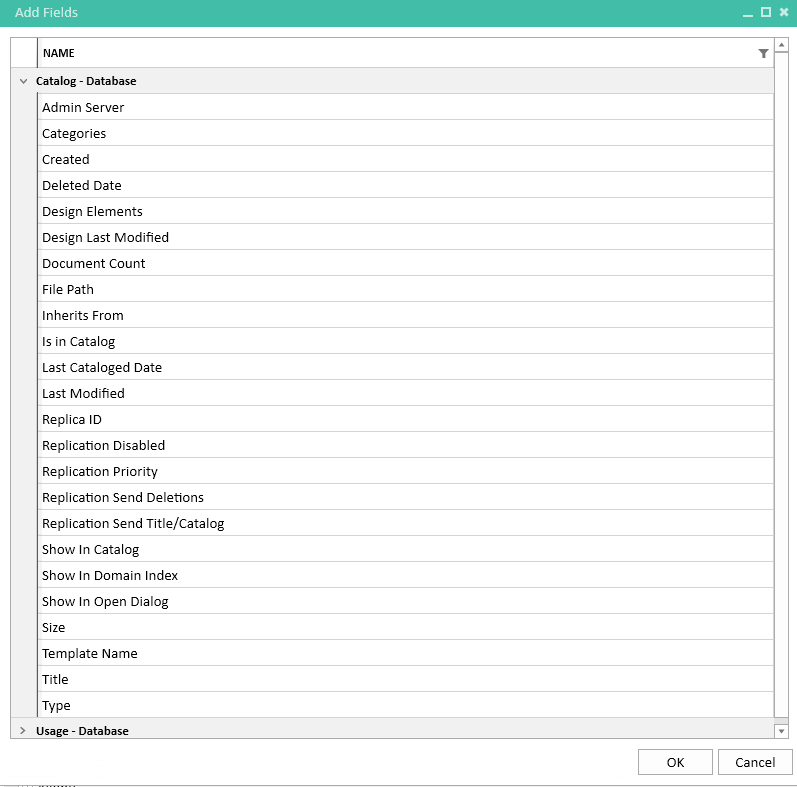
Database catalog and property details.
Assist with migration preparation, Export archive strategy, documentation and more with over 20 application catalog attributes you can dynamically order within your report.
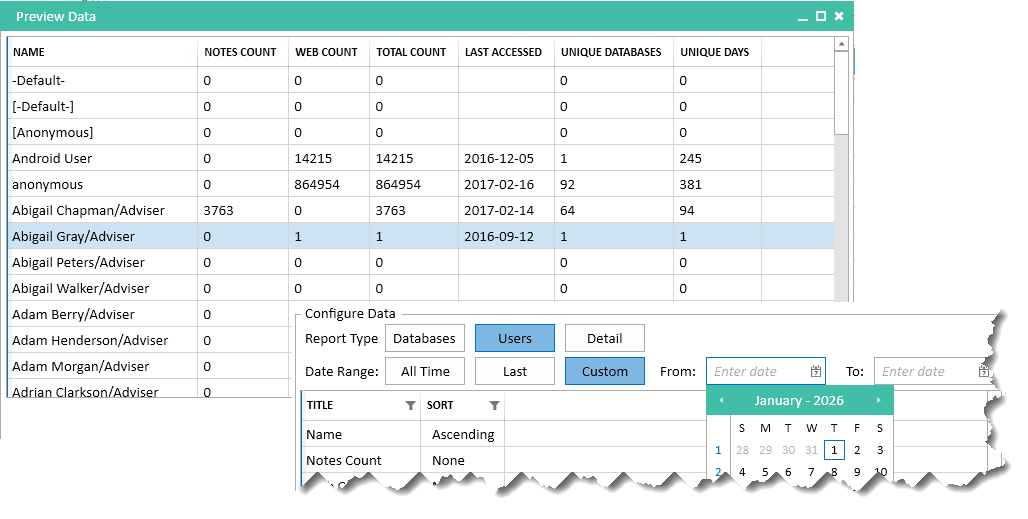
User-level activity reports.
Support license reviews, compliance initiatives, and security analysis. Examine over determined timeframes or dates.
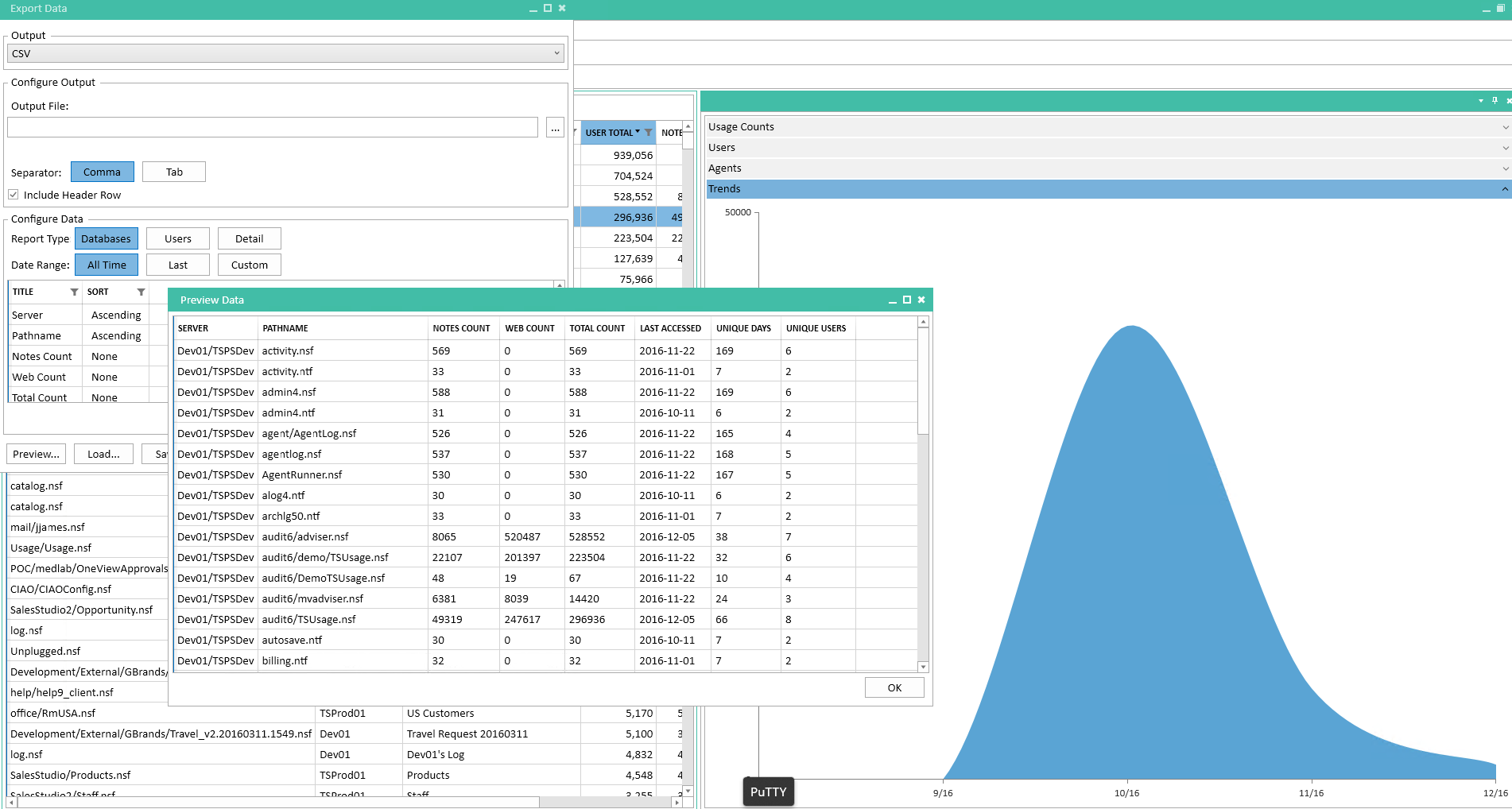
Database-level usage metrics
Export metrics specific to application activity, pinpoint low-usage databases and candidates for archiving.
You can then save customized reports for later reruns without the need for reconfiguration. CSV export gives you a portable snapshot of your Domino environment’s usage - ready to open in Excel, import into Power BI, or feed into internal reporting systems.
Where can I find it?
Customers with a valid license can download the latest version from our download page.
If you are evaluating Teamstudio Usage, you can learn more about the product here, or get in touch with our team through our contact page.
We have also updated the Usage product documentation to include guidance on new features and where you may also find the release notes.
How to Install or Upgrade?
Upgrading Teamstudio Usage is straightforward.
To update:
Uninstall your existing version of Teamstudio Usage using the Windows add/remove program control panel.
Download and install the latest version from our site.
Your existing configuration and collected metrics will remain intact.
For new users please have your serial keys handy during the installation and you may reference our documentation for detailed installation instructions.
If you have any technical issues during your upgrade. Please get in touch with our support team.
Meanwhile, here’s an updated demo video showing the new features in Usage v1.1:
If you haven’t seen Usage in action yet, our short overview video offers a good sense of how Teamstudio Usage analyzes and presents Domino application usage activity.
We appreciate your feedback and suggestions that helped shape this release.
As always, if you have any questions or would like to arrange a demo, please reach out. We’re happy to help.