We help you archive or migrate your legacy Notes/Domino data.







Teamstudio has tens of thousands of happy users in more than 65 countries.












Large, old Notes/Domino applications can take days to export if the setup is wrong. Here are seven ways to get the most speed out of Teamstudio Export, updated for Export 5.1 and 64-bit Notes clients.
Every time a support case with Teamstudio closes, we ask a simple question: how did we do? We've been collecting those answers for years, and we thought it was worth sharing what the numbers, and your words, actually say.
Teamstudio Export already gives you several ways to get data out of your Notes/Domino applications: HTML, PDF, XML archive, SharePoint Lists, and CSV. In Export 5.2, we're adding one more: JSON.
Building on the data export capabilities we introduced in Export 5.0, version 5.1 is now available, and it answers a question we heard from teams almost as soon as they started using the configurable field selection capabilities while exporting their datasets: do I really have to set all of this up again every time?
We recently asked an AI assistant (Claude) to build a tool that exports HCL Notes/Domino data to a standalone HTML website. Within minutes, it produced working code: a LotusScript agent to extract documents, a Python script to convert the output to JSON, and a polished HTML generator with navigation, search, and a clean responsive layout.
Over the past few months we've had an interesting shift in the conversations we're having with customers. Alongside the usual questions about archiving sequences, PDF rendering, and SharePoint deployment, a new topic has started coming up with increasing regularity: AI.
If you've ever opened a freshly exported HTML archive and found that cross-database doclinks don't work, you're not alone. It's a common support question we get from teams working through a Domino decommission, and the fix is almost always the same thing.
The start of a new year always feels like a fresh chance to reflect on how things have changed — and what’s coming next. And this January, we’re celebrating something special: Teamstudio is turning 30.
In the next release of Teamstudio Usage, we’re taking a step forward with a feature that is currently our most requested: CSV export of usage metrics. This update makes Usage not only a discovery tool, but a reporting engine, ideal for teams who want to take their Notes/Domino application usage metrics into Excel, dashboards, or beyond.
Over the past year, we’ve noticed more customers running into hiccups in their development and deployment workflows. Most of the time, it happens after switching to 64-bit HCL Notes clients without updating their Teamstudio Developer tools or products like CIAO! and Build Manager
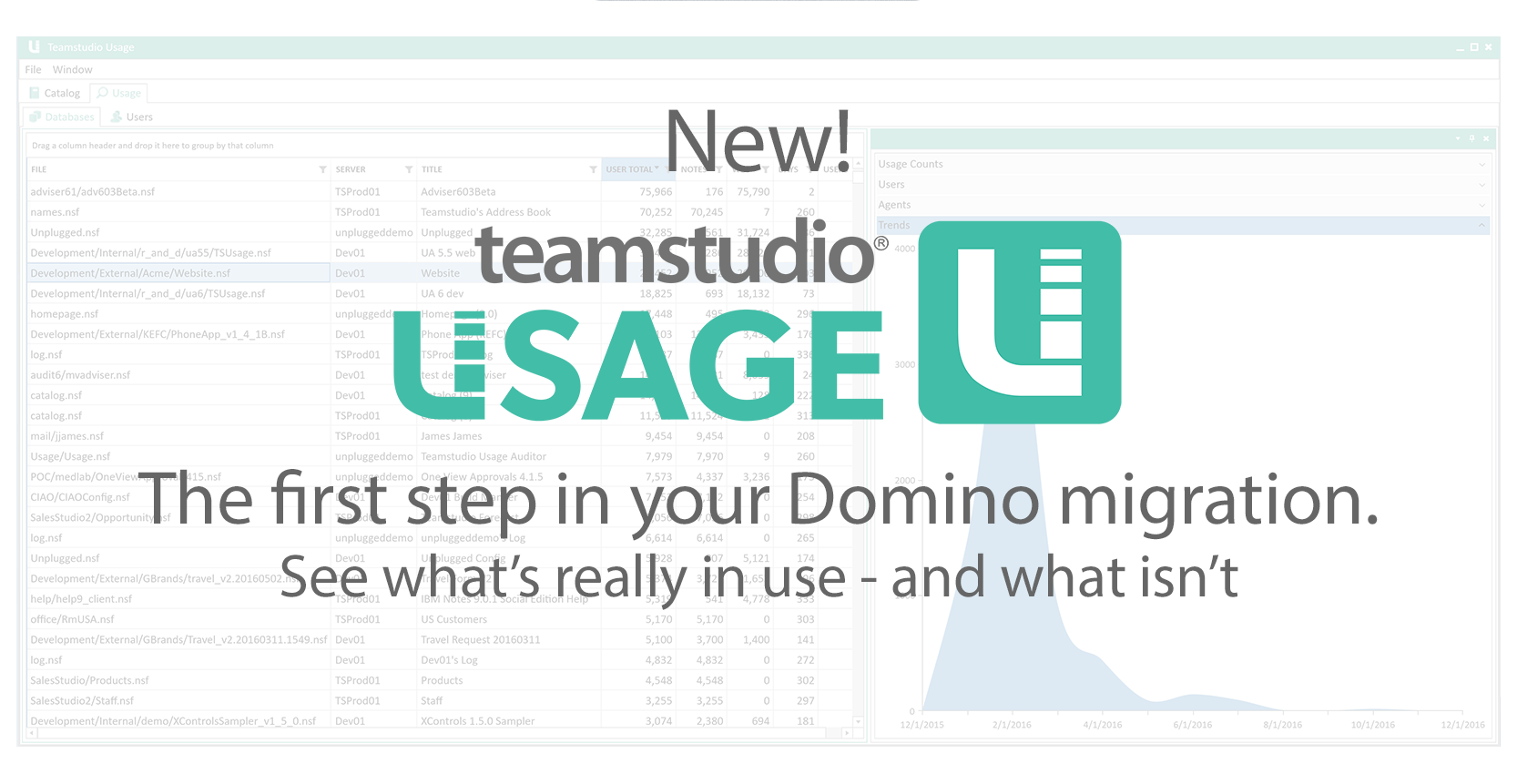
We’re excited to announce the release of Teamstudio Usage, a new addition to our suite of tools designed to help you manage, archive, and migrate your HCL Notes and Domino environment more efficiently. Usage helps you understand what’s still in use in your Notes environment, and what isn’t.
Most users interacting with Teamstudio Export tend to remain at the surface, where they appreciate its functionality without exploring further. However, for the curious, those eager to uncover the deeper layers, Teamstudio Export offers an intriguing ecosystem to explore.
Teamstudio Export offers versatile search capabilities tailored primarily to two different use cases: searching within Notes application HTML/PDF archives and leveraging Lucene for advanced data selection prior to export. In this article, we will explore both methods, their features, limitations, and how they can be applied to meet your business needs.
We often encounter customers who, despite having active software subscriptions, are still using versions of our tools that are five, seven, or even more years old. This can lead to problems and missed opportunities, particularly when compatibility issues arise—such as those seen with recent HCL Notes 64-bit client releases.
Doclinks have been around as long as Notes/Domino itself, and are an integral part of navigating a Notes application. But what happens to doclinks when you archive or migrate your data to a new format or platform?
Legacy HCL Notes/Domino databases often hold critical files—attachments, embedded images, even outdated OLE objects—buried in aging applications. Manually extracting these is a headache. Teamstudio Export cuts through the chaos, letting you extract your files from targeted select groups of old data notes.
One frequently asked question we receive is: How does Teamstudio Export handle attachments when creating PDF archives? In this post, we’ll walk you through how attachments are managed by default, what options are available, and the limitations you should be aware of when working with embedded files in modern browsers.












CSV export in Teamstudio Usage answers “can I get this data out?” The harder question is what to put in the report. Here are five ready-to-run reports for Domino migration, archiving, licensing, compliance and decommissioning, with the fields, sorts and filters for each.